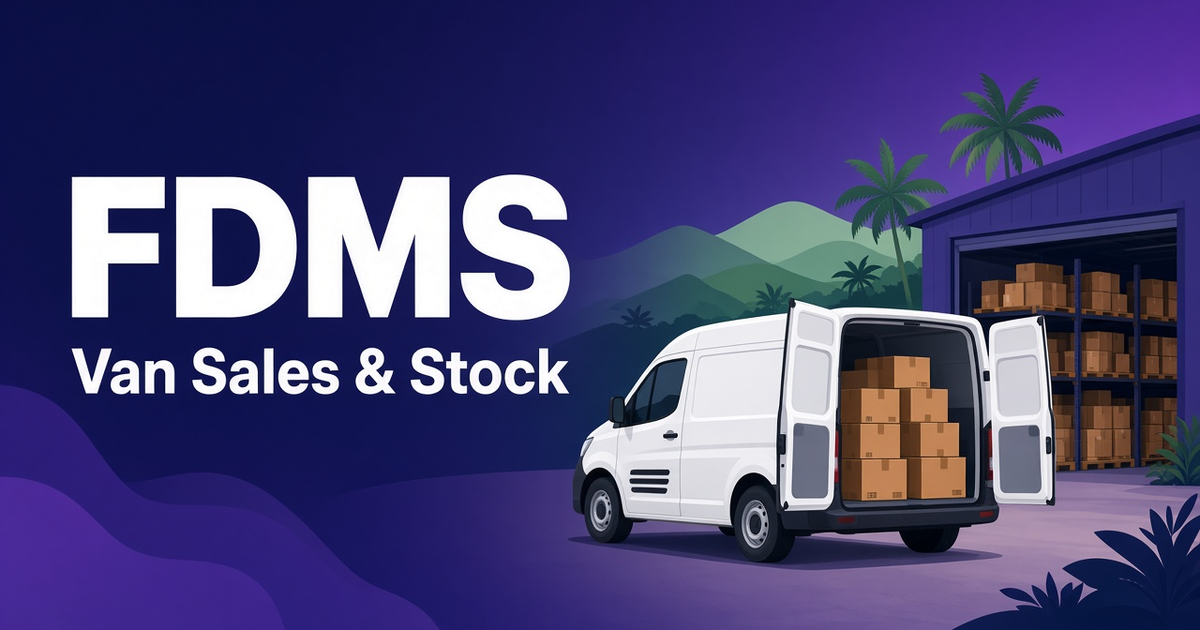
- Van sales software records what is loaded, sold, returned and left on every van, every day.
- Most van stock gaps come from unrecorded loading, late sales entry, unlogged returns and no daily reconciliation.
- In FDMS, reps can't close the day until their van stock is cleared.
- Damages, expiries and counting differences are recorded as adjustments with a reason, and the bin card keeps the history.
- Pre-selling works too: completed sales routes are assigned to a delivery vehicle and driver.
- Stock control starts with the FDMS Standard package at Rs 5,901 a month; multiple warehouses come with Enterprise.
On this page
- Why van stock goes missing
- The van sales cycle in FDMS
- Step 1: Receive stock into the warehouse
- Step 2: Load the vans
- Step 3: Sell and collect on the route
- Step 4: Clear and close the day
- Step 5: Adjust with a reason, and keep the history
- Pre-selling and delivery: when reps and vans are separate
- Handling returns from shops
- Plugins that help van sales
- Which FDMS package do van sales need?
- A simple checklist before you choose van sales software
- Try FDMS free for a month
Quick answer: Van sales software records what is loaded onto each van, what is sold or returned on the route, and what is left when the van comes back, so stock and cash can be checked every day instead of every month. FDMS does this with warehouse and van stock control, van loading, transfers, bin cards and a day-end rule: reps can't close the day until their van stock is cleared. Stock control starts with the FDMS Standard package at Rs 5,901 a month.
A van is a small warehouse on wheels, and it's the hardest one to watch. Cartons go out in the morning, some are sold, some are given as free issues, a few come back damaged, and the numbers rarely match the book at the end of the day. When you run four, eight or twenty vans across districts, those small gaps add up to real money. This guide explains how van sales and stock management works in a modern distribution system and what to look for.
Why van stock goes missing
- Loading isn't recorded properly. Stock leaves the warehouse on a handwritten note, or with no note at all.
- Sales are recorded late. Orders written in a book get typed in hours or days later, and some never do.
- Returns and damages aren't logged. Expired or broken goods disappear without a reason.
- No daily reconciliation. If you only count at month end, you can't tell which day, route or person caused the gap.
The van sales cycle in FDMS
FDMS warehouse and van stock control follows the same cycle your team already works, but records every step.
Step 1: Receive stock into the warehouse
When you raise and approve a purchase order in suppliers and purchasing, the stock is added to the warehouse automatically. Approved purchases also give you accurate cost prices for profit reports.
Step 2: Load the vans
Before the route, the storekeeper loads stock from the warehouse onto each van. The system shows, for example, "Main warehouse 1,240 ctn, Van 01 86 ctn, Van 02 12 ctn", so you always know where your stock is.
Step 3: Sell and collect on the route
Reps use the field sales app to take orders and collect cash, cheque or credit payments at each shop. Each sale reduces the van's stock straight away. For a Van 02 example, the screen shows each product as loaded, sold and left: Biscuits 200g 120 · 96 · 24, Tea 400g 60 · 60 · 0, Soap 100g 200 · 152 · 48.
Step 4: Clear and close the day
At the end of the day, sold and remaining stock is reconciled before the day closes. Reps can't close the day until their van stock is cleared, so a gap gets dealt with on the same evening, not at month end.
Step 5: Adjust with a reason, and keep the history
Damages, expiries and counting differences are corrected as adjustments with a reason. Transfers between locations are fully recorded, and the bin card shows every movement in and out for any product, which is useful for audits.
Pre-selling and delivery: when reps and vans are separate
Not every distributor sells straight from the van. Many have reps take orders today and a delivery vehicle drop the goods tomorrow. FDMS handles this too. When a sales route is completed in the Route scheduler, you assign its orders to a delivery vehicle. The driver then uses the delivery app to see stops in route order, show or print the invoice at each shop, collect payment and mark the delivery complete. The office sees which orders were delivered and which weren't.
Handling returns from shops
Market returns are normal in FMCG distribution. With FDMS sales returns, reps record returned or damaged goods at the shop with a reason. The office reviews and approves each return, and then stock and the customer's balance update automatically. Over time, you can see which products come back most often.
Plugins that help van sales
- Route Optimiser works out the shortest visiting order for a route, starting from your warehouse and optionally returning to it. It shows the old and new path with the kilometres saved.
- Vehicle & Fuel Log lets drivers log fuel from their phone with the meter reading and a receipt photo. You see km per litre and cost per km for each van, and get reminders before revenue licence, insurance, emission test and service dates fall due. For official vehicle registration and emission test information, see the Department of Motor Traffic.
- Smart Reorder & Demand Forecast shows how fast each product sells and how many days your stock will last. It suggests how much to order from each supplier and warns you about batches likely to expire before they sell.
- Promotions & Trade Schemes applies offers such as "buy 10, get 1 free" automatically in the office and in the field app, so free issues are recorded instead of guessed.
Which FDMS package do van sales need?
| Need | Package | Monthly price |
|---|---|---|
| Field sales app and orders only | Starter (3 reps and drivers) | Rs 2,900 |
| Routes, stock control (warehouse and van stock), attendance and reports | Standard (8 reps and drivers) | Rs 5,900 |
| Everything above, plus delivery app, returns, purchasing, expenses and targets | Professional (20 reps and drivers) | Rs 9,900 |
| Everything, plus multiple warehouses, priority WhatsApp support and setup done for you | Enterprise (unlimited reps and drivers) | Rs 16,899 |
If you run more than one warehouse or depot, note that multiple warehouses come with Enterprise. Yearly billing on every package is pay for 10 months, get 12. For a fuller cost comparison, see our DMS software price guide.
A simple checklist before you choose van sales software
- Can you see loaded, sold and left for every van, every day?
- Is the rep blocked from closing the day until van stock is cleared?
- Are returns and damages recorded with a reason and an approval step?
- Does stock update automatically from purchases, sales and returns?
- Can you see profit by route, not just stock movement? (FDMS profit and reports covers route analysis and line profit.)
Van stock is only half the story. Cash and cheques collected on the van need the same control, which we cover in how to cut credit and cheque losses. To see how reps are tracked on the route, read our sales rep tracking app guide. To compare full systems, start with the best distribution management software in Sri Lanka.
Try FDMS free for a month
Know what is loaded, sold and left in every van, every day. Start your free FDMS month with no credit card needed, or book a demo to see it with your own products and routes.
Start your free month · Book a demo
First month free · No credit card required · No setup fees · Questions? [email protected]
Frequently asked questions
What is van sales software?
Van sales software records stock loaded onto each vehicle, sales and returns made on the route, and the stock left at the end of the day. This lets van stock and collections be reconciled every day instead of every month.
Can FDMS track stock in each van separately?
Yes. FDMS tracks stock in the warehouse and in every vehicle. You load vans before they leave, transfer stock, make adjustments and check the bin card for any product.
What happens if van stock doesn't match at day end?
In FDMS, sold and remaining stock is reconciled before the day closes, and reps can't close the day until their van stock is cleared. Differences are recorded as adjustments with a reason.
Which FDMS package includes van stock control?
Stock control, including warehouse and van stock, is included from the Standard package at Rs 5,901 a month for up to 8 reps and drivers. Multiple warehouses are included in Enterprise.
Does FDMS support separate delivery vehicles?
Yes. From the Professional package, completed sales routes can be assigned to a delivery vehicle, and drivers use the delivery app to deliver in route order, show invoices and collect payments.
Put these ideas to work with FDMS
Routes, orders, delivery, stock and collections in one place — for the office and the field.